LtMAO
LtMAO-hai is a toolpack by tarngaina for League of Legends modding.
LtMAO is a toolpack for League of Legends modding by tarngaina. It adds a right-click context menu for file conversions and pairs it with a set of GUI tools for WAD packing, 3D files, audio, textures, and more.
What the right-click menu does
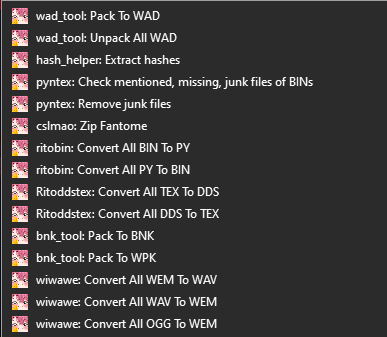
LtMAO adds a right-click context menu in Windows Explorer. From it you can:
Convert files
| From | To | What it does |
|---|---|---|
.dds | .tex | Convert textures for use in-game |
.tex | .dds | Extract textures so you can edit them |
.wem | .wav | Convert audio files to an editable format |
.bin | .py | Convert binary files to readable Python |
.py | .bin | Repack edited Python files back to binary |
Work with WAD files
- Unpack
.wad.clientfiles using custom extracted hashes. - Open WADs from repathed or hard-modified mods.
- Extract single files or a whole WAD archive.
Print file info
Print details about:
.binfiles: structure and properties..sknfiles: skin mesh data..sklfiles: skeleton and rig data.
LtMAO-hai
LtMAO-hai is tarngaina's toolpack for League modding. It bundles the right-click menu and a set of GUI tools described below.
Installation
- Download LtMAO-hai.zip.
- Extract the zip.
- Run
LtMAO-hai/start.bat. The app opens.
Updates
LtMAO-hai checks for a new version every time you open the app. When one is out, an update message appears in the title bar.
To update fully:
- Re-download the app from GitHub.
- Extract it to the same location, overwriting the old files.
To update the quick way:
- Open the app.
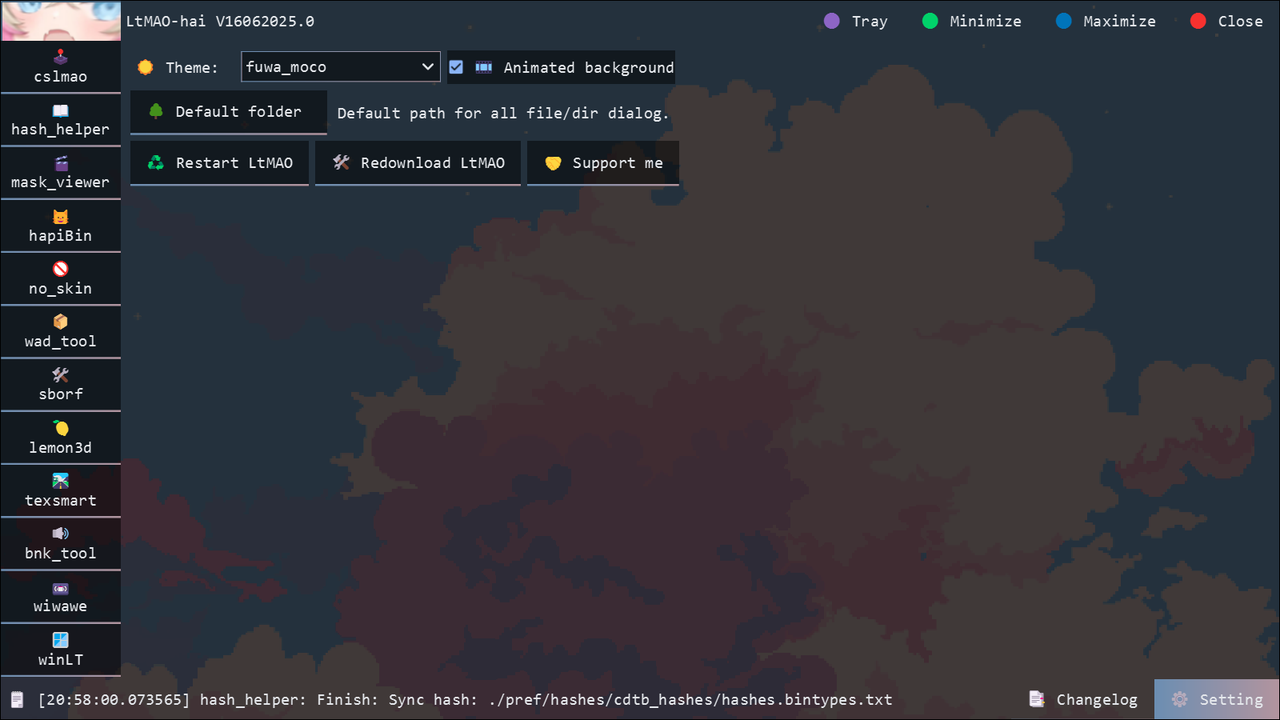
- Go to the settings page.
- Click Redownload LtMAO. This is not the recommended path, but it often works.
Documentation
Shortcut
The first time you run the app, a LtMAO.lnk shortcut file appears in the same folder as start.bat.

To make a desktop shortcut, open the settings tab and create one from there.
Theme
You can make your own theme. Add a new folder inside LtMAO-hai/res/themes.
Rules:
- Your image sizes must use the same ratio as the original images.
- The accent color of the app comes from the dominant color of your
background.gif. - If the theme name has an
_in it, the accent color is a gradient between the two most dominant colors.

cslmao
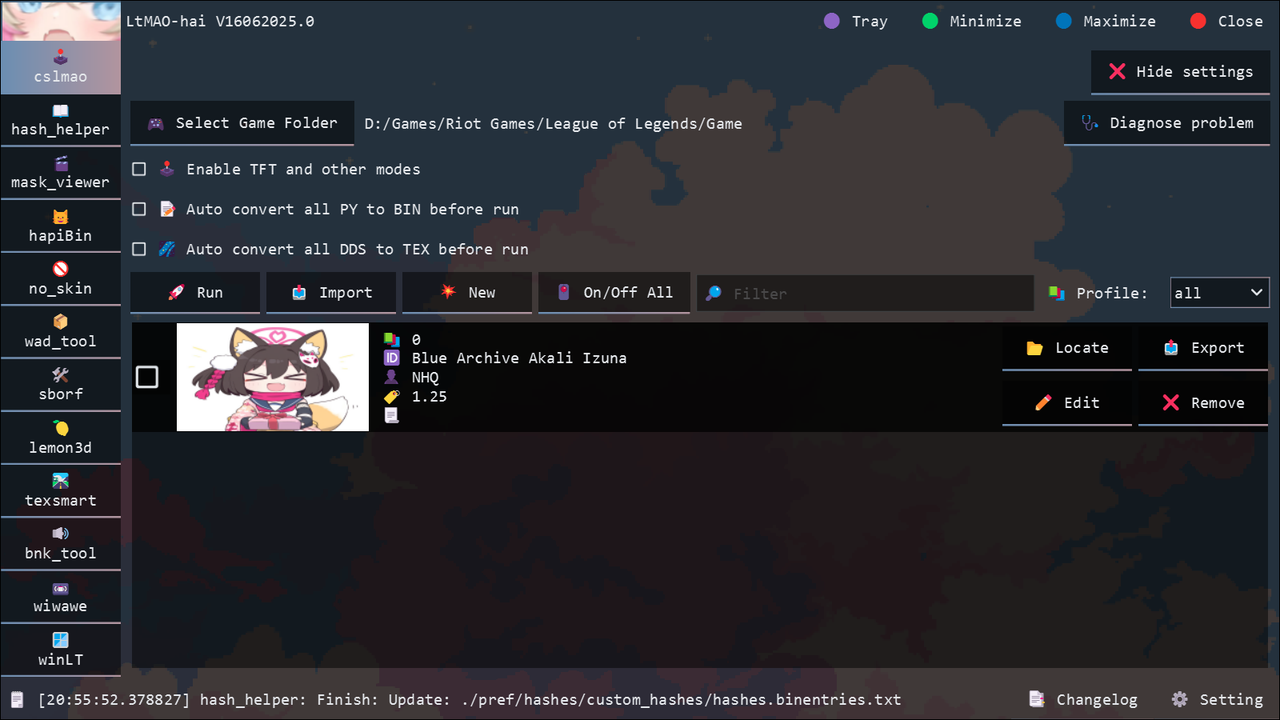
A mod manager UI built into LtMAO. Installs and tests .fantome mods against your League install.
Before you use it, set the game folder:
- Click Show settings in the top-right corner.
- Point it at your
League of Legends/Gamefolder.
hash_helper
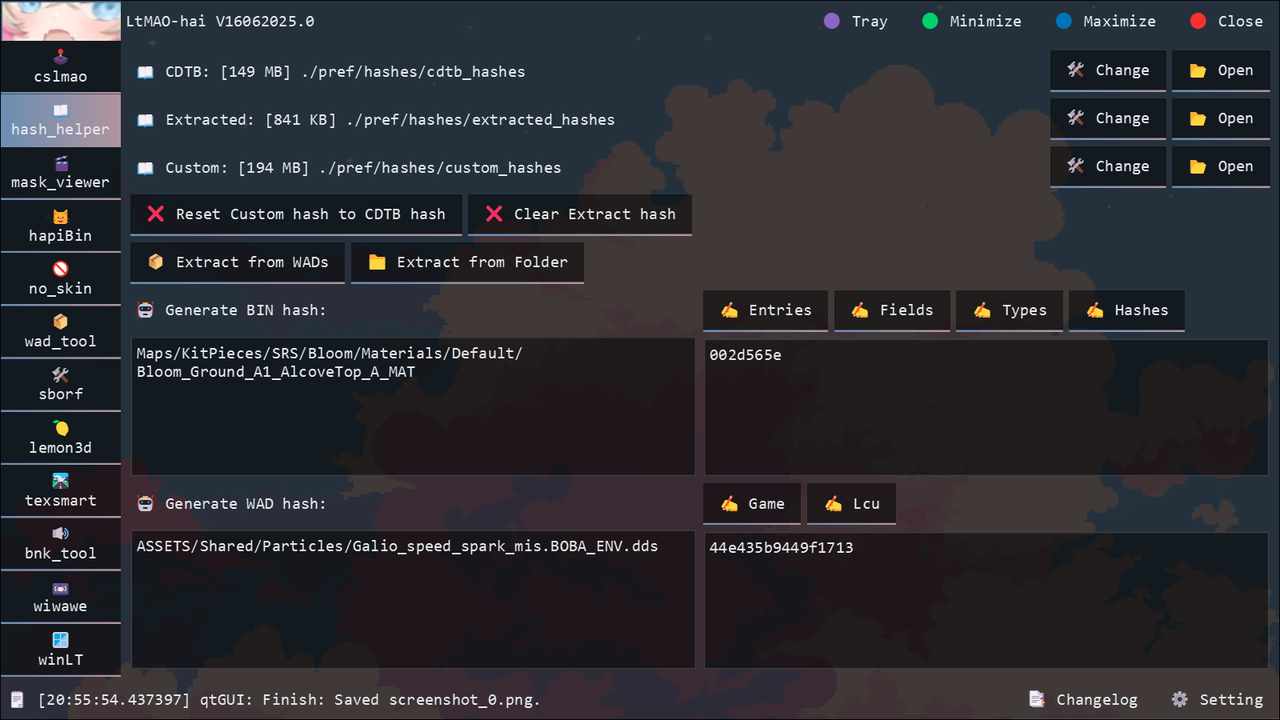
Wait for syncing, updating, and hash loading to finish before you run any
other LtMAO function.
Three hash sources feed into LtMAO:
- CDTB Hashes: auto-synced from CommunityDragon. You can also download them by hand from the same link.
- Extracted Hashes: hashes you extract yourself. You can extract these:
- binentries:
- VfxSystemDefinitionData → particlePath in BIN.
- StaticMaterialDef → name in BIN.
- binhashes:
- Joint hashes → joint names in SKL.
- Submesh hashes → submesh names in SKN.
- game:
- File paths starting with
assets/ordata/in BIN. If the file type is.dds, 2x and 4x dds are extracted too.
- File paths starting with
- binentries:
- Custom Hashes: the hash set every LtMAO function uses (ritobin, wad_tool, no_skin, and others).
- Custom Hashes = CDTB Hashes + Extracted Hashes + hashes you add by hand.
hash_helper also has a WAD and BIN hash generator. You can push the generated hashes into Custom Hashes with one button.
mask_viewer
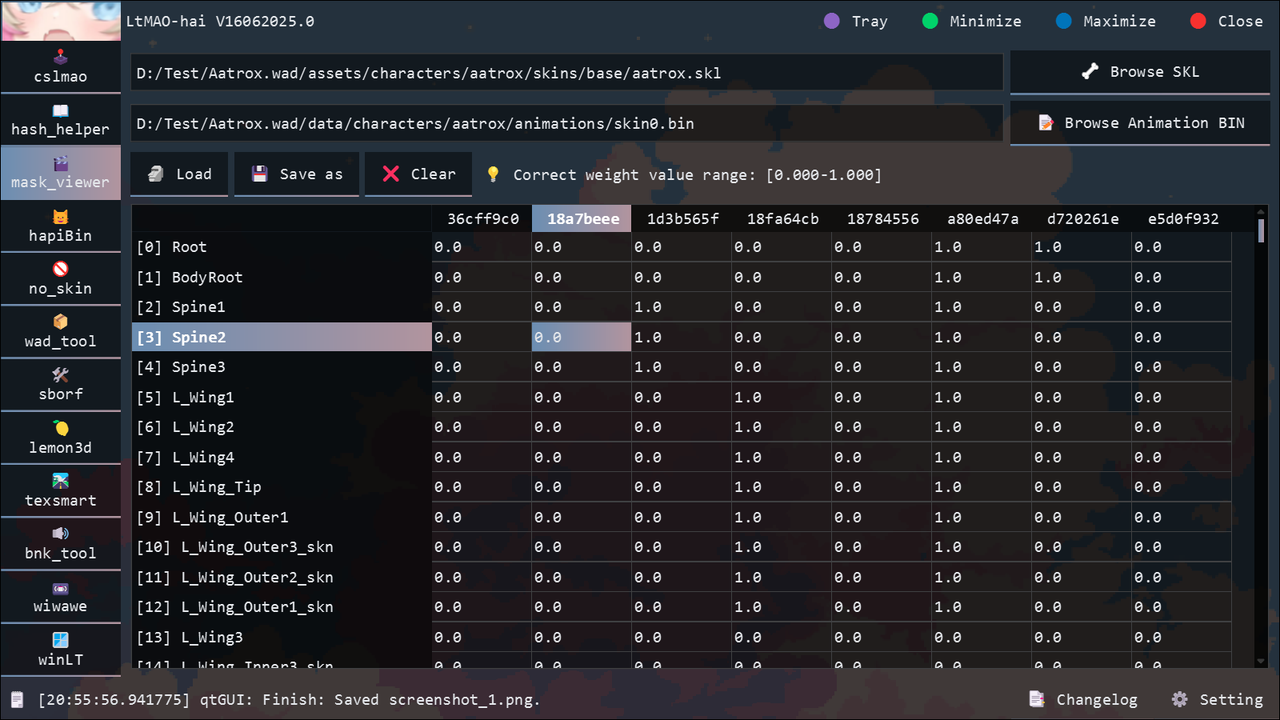
Edit MaskData weights inside animation BINs.
hapiBin
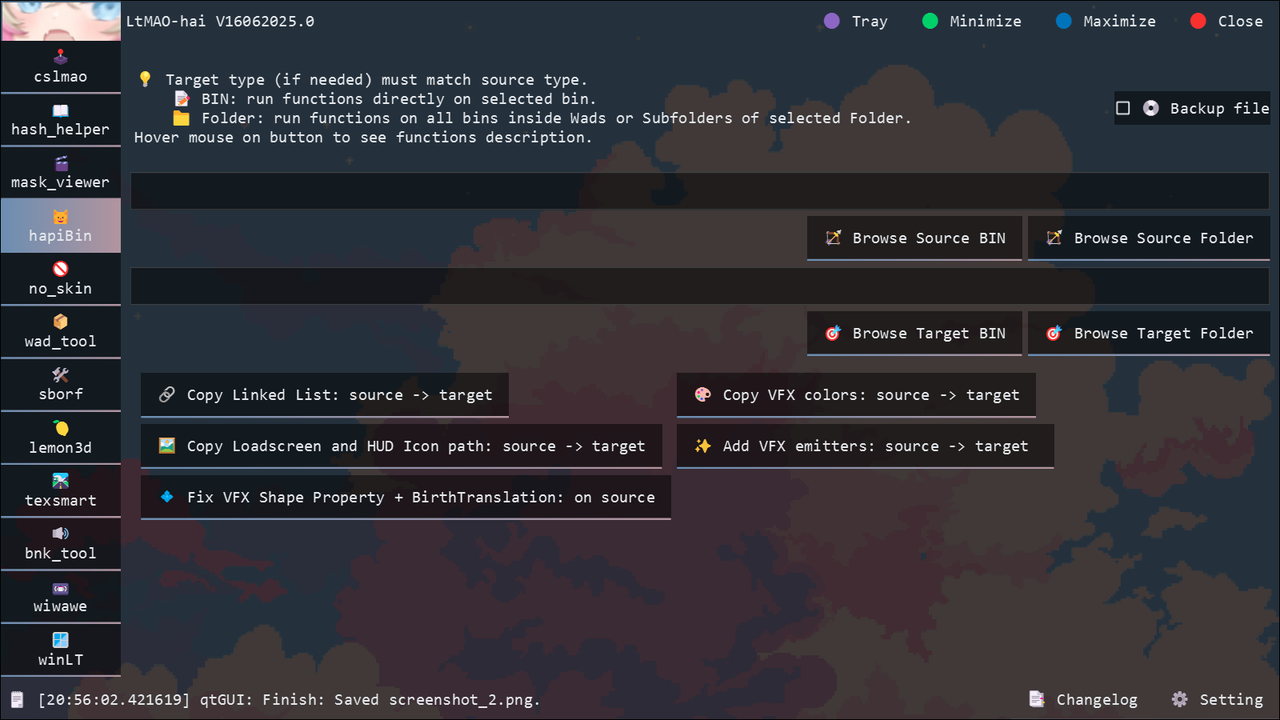
An app with multiple functions related to BIN files.
no_skin
Makes a NO SKIN mod that swaps almost every League skin back to its default look.

SKIPS.json is a list of skins that crash League when swapped back to base. The tool reads it and skips those skins.
There are two modes:
-
Full: builds a full
NO SKIN.fantomefrom every champion insideLeague of Legends/Game/DATA/FINAL/Champions.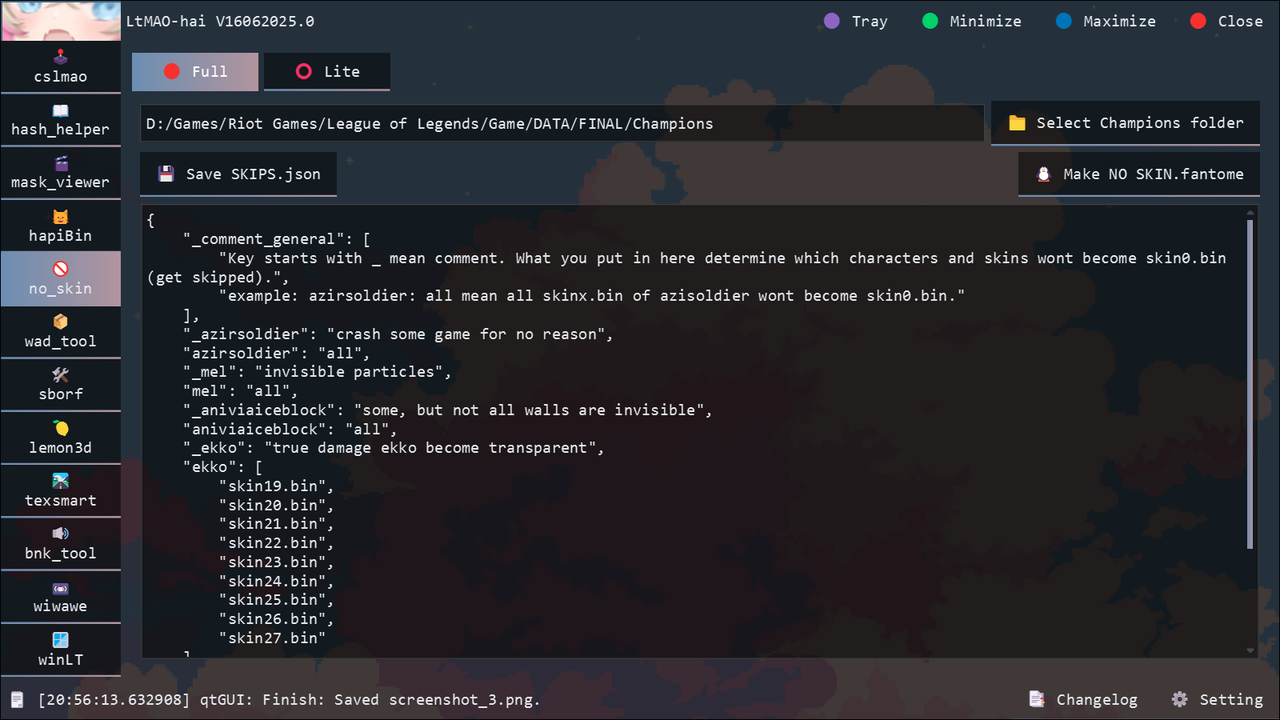
-
Lite: turns each selected
skinx.binintoskin0.bin.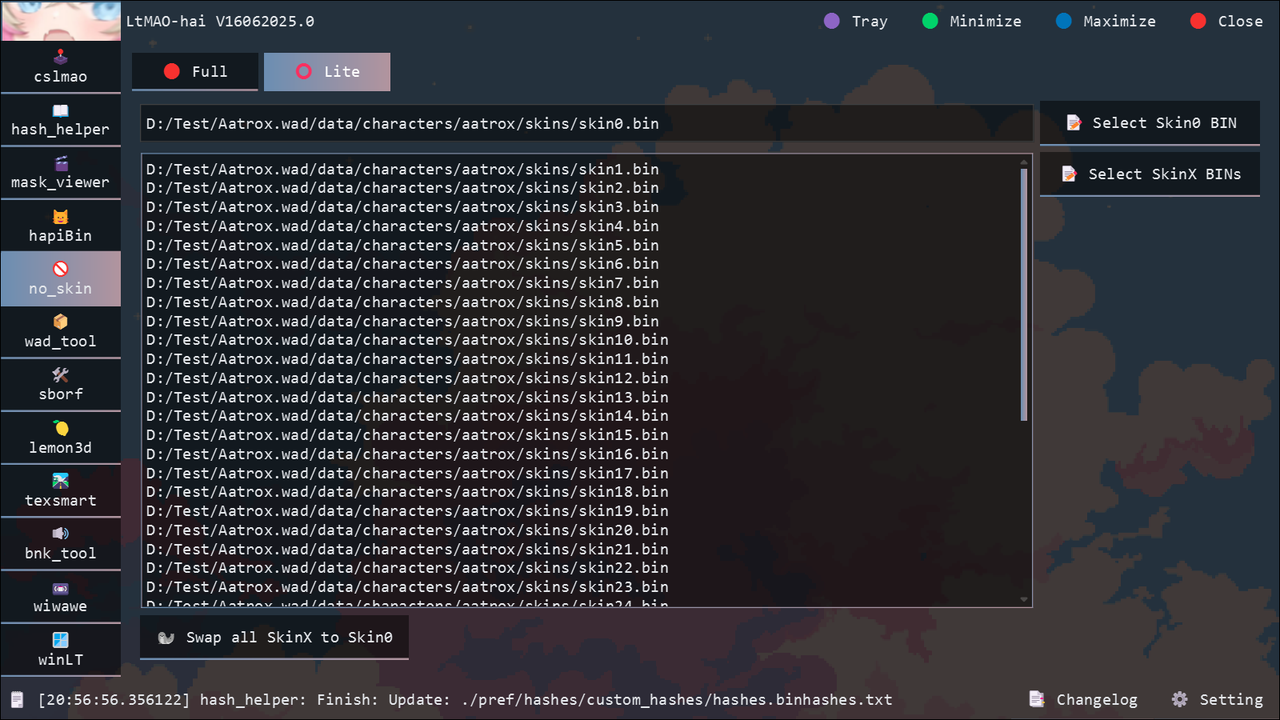
wad_tool
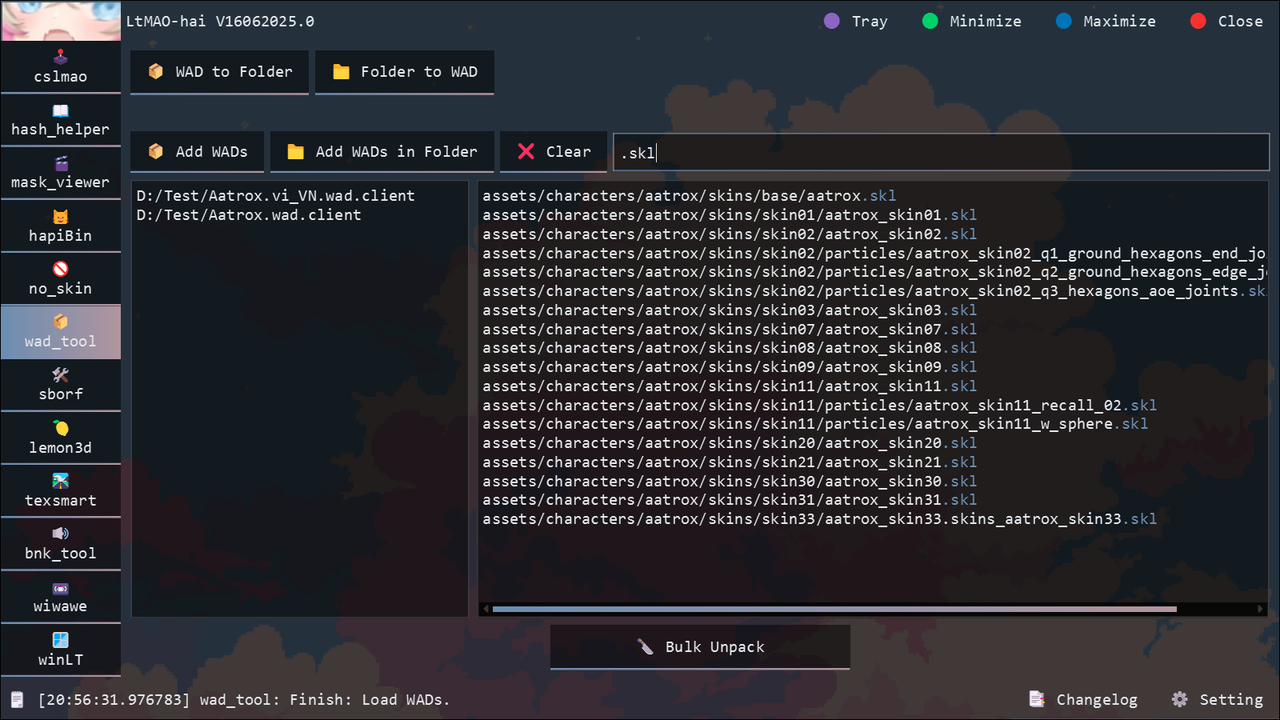
A small tool to unpack and pack WAD files.
It can bulk-unpack many WADs into one output folder with a filter.
sborf
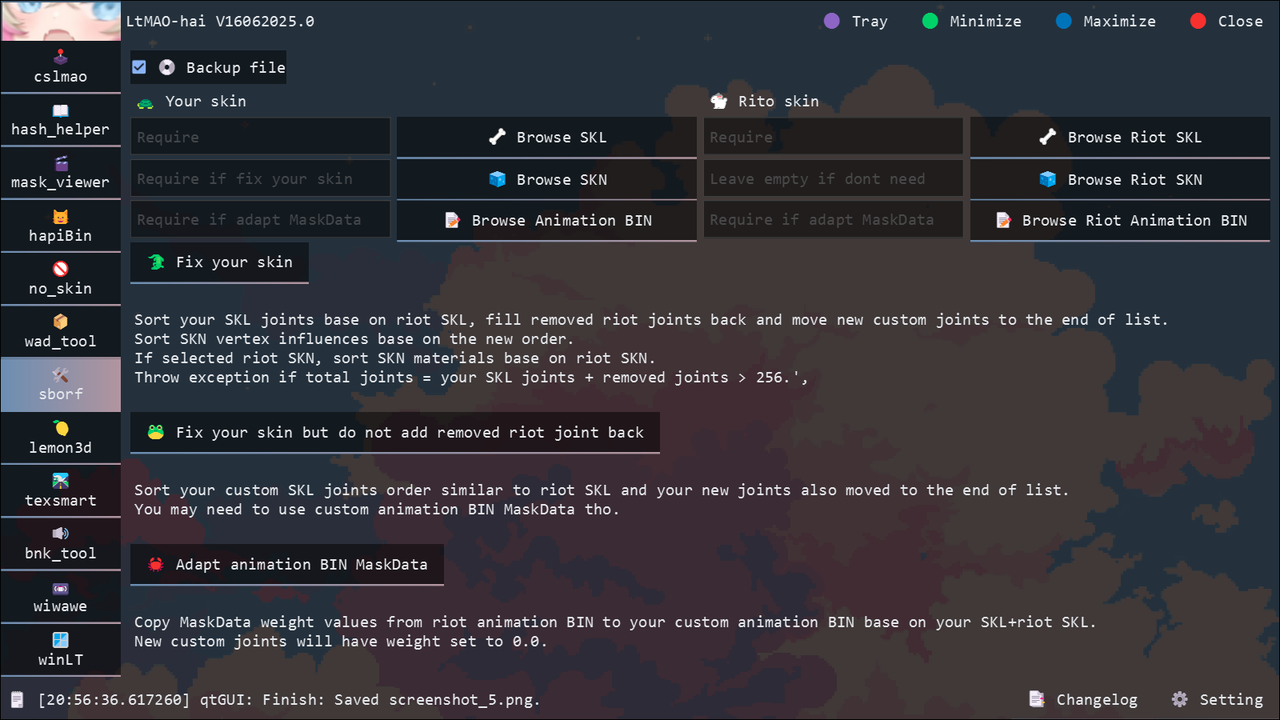
Fixes skins using Riot's original files: moonwalk animations, layering animations, and more.
It can also adapt your custom animation BIN MaskData from Riot's source files.
lemon3d
Works with League 3D files.
-
fbx:
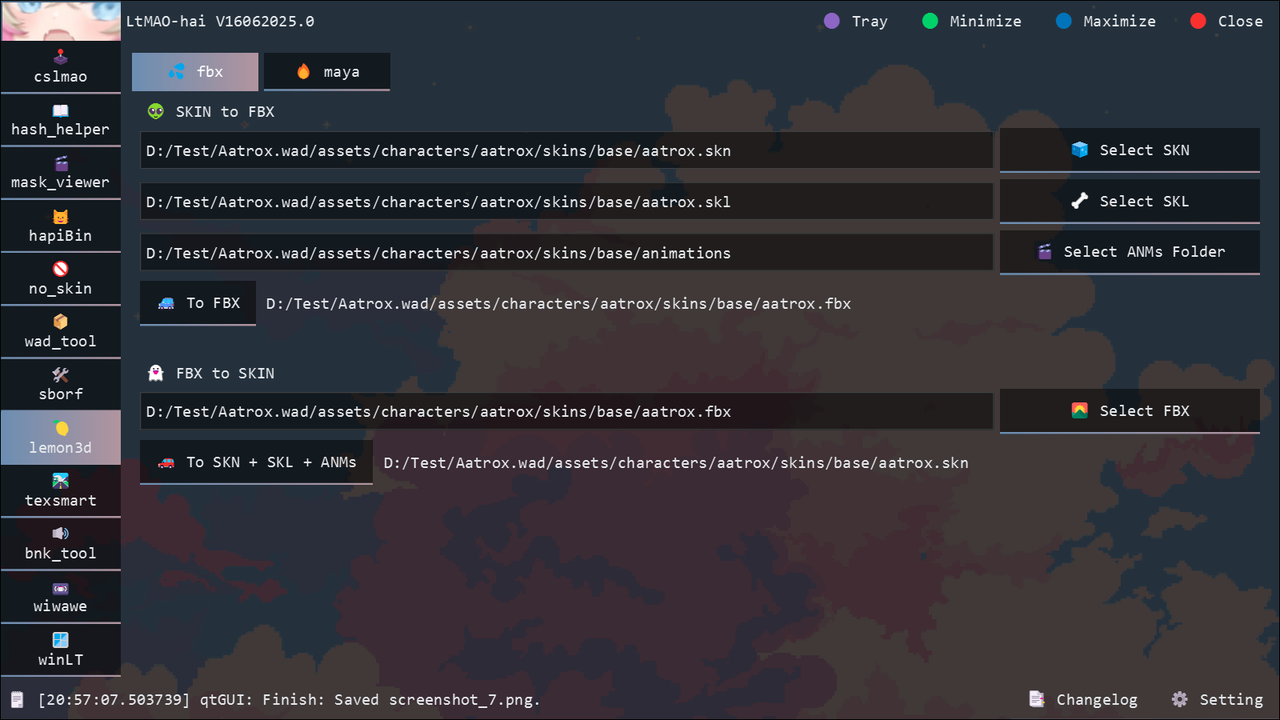
Converts League files to FBX and back. This part of the tool mainly supports Blender. For Maya, use the Maya plugin instead.
Supports: SKN, SKL, ANM. Planned: SCO, SCB, MAPGEO.
-
maya:
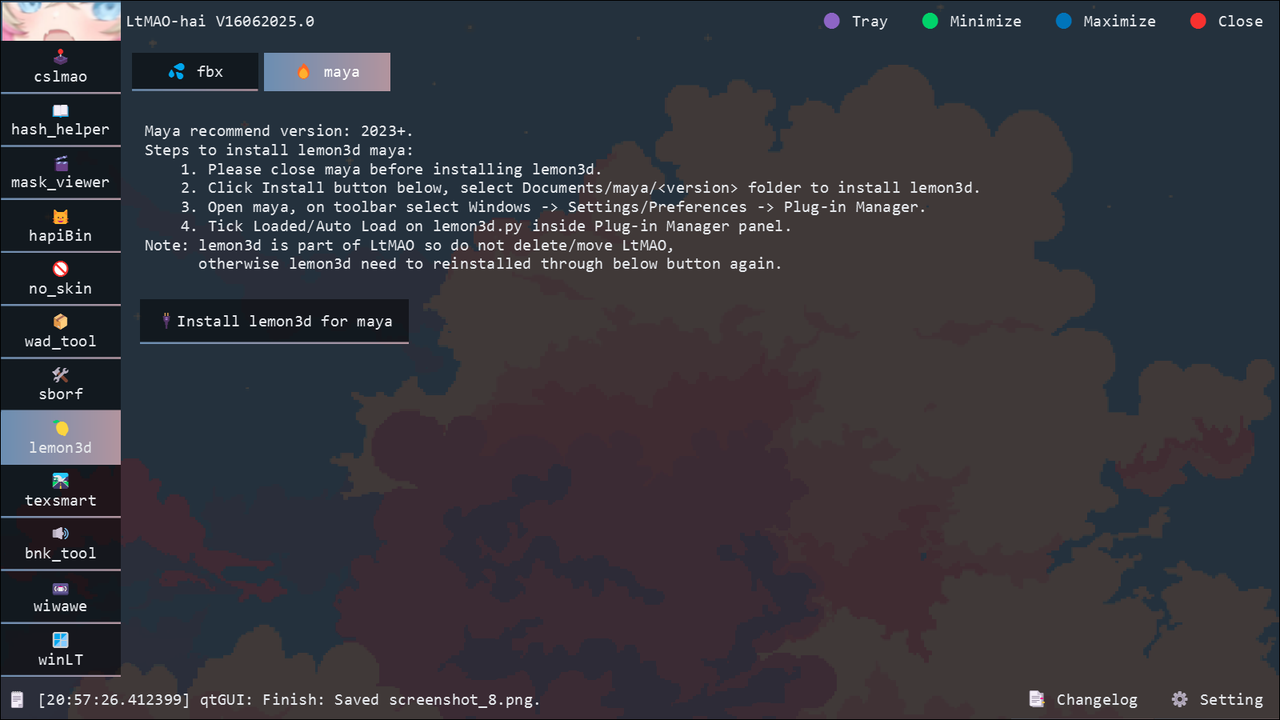

A rewritten
lol_maya. Plugin for Maya 2023+ with 3D support.Supports: SKN, SKL, ANM, SCO, SCB, MAPGEO.
Read the full lemon3d documentation
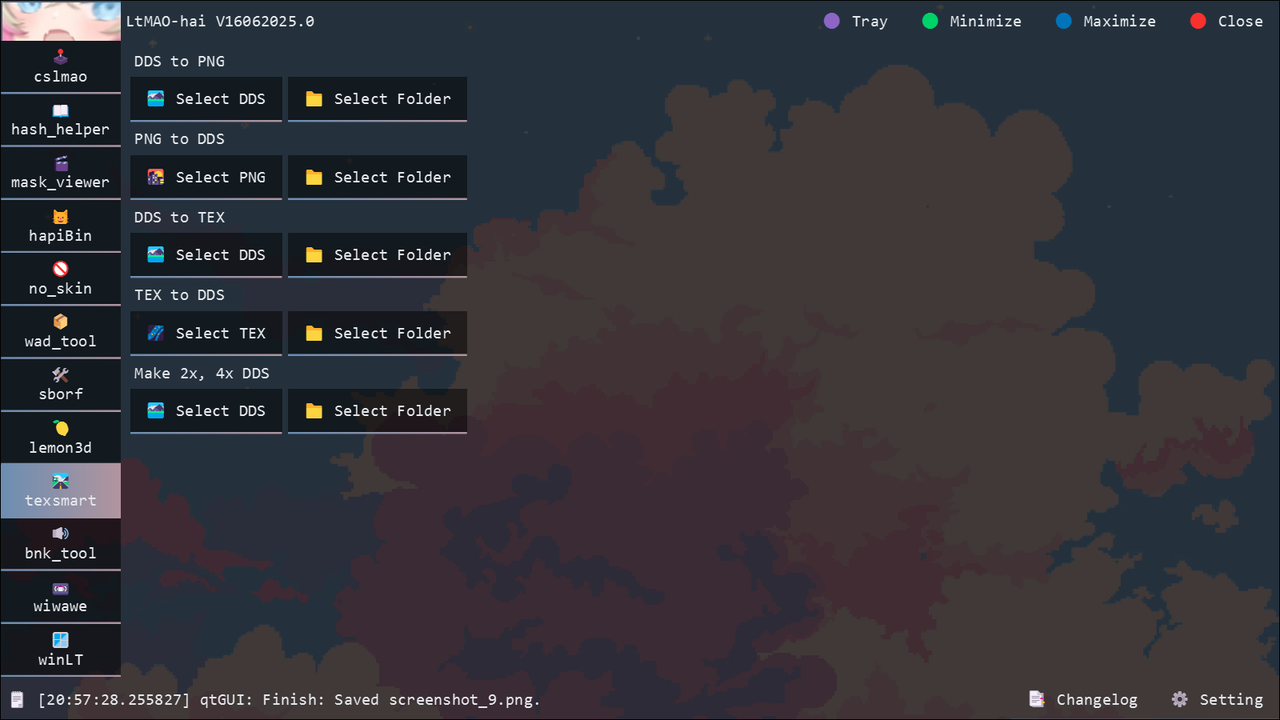
texsmart
Convert League texture files.
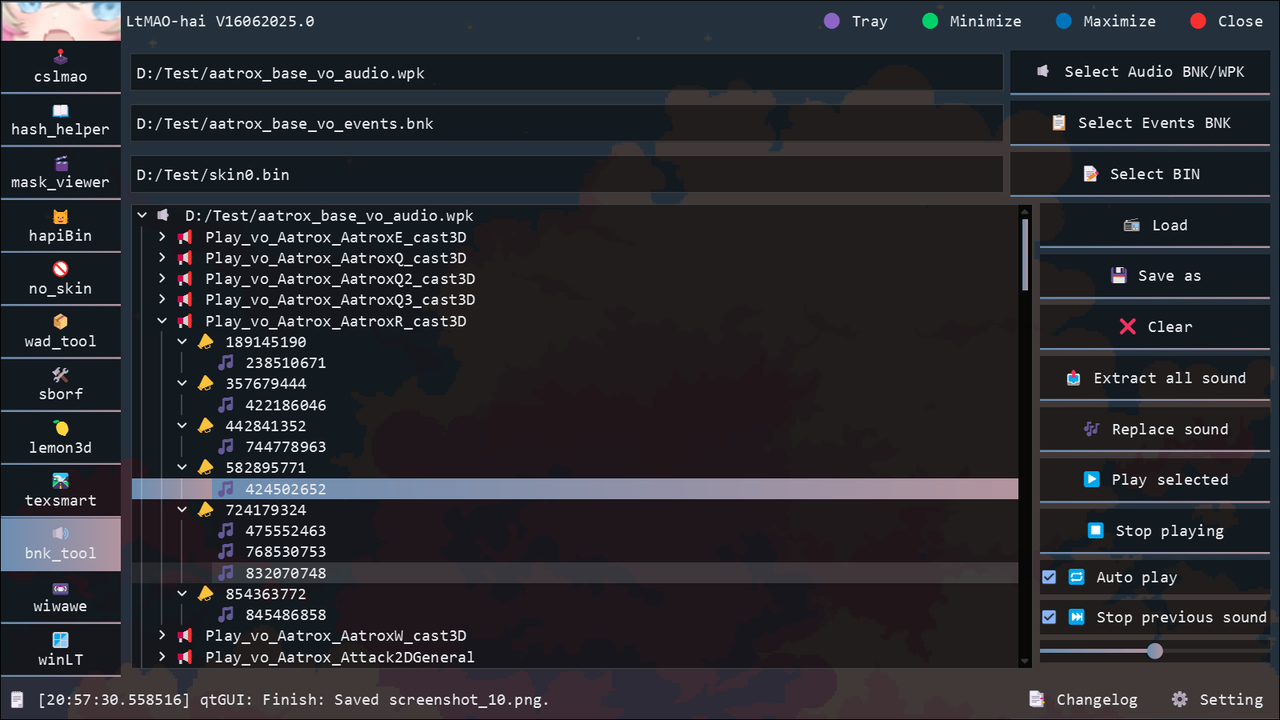
bnk_tool
Copy of bnk-extract-GUI, but extracts .wav instead of .ogg.
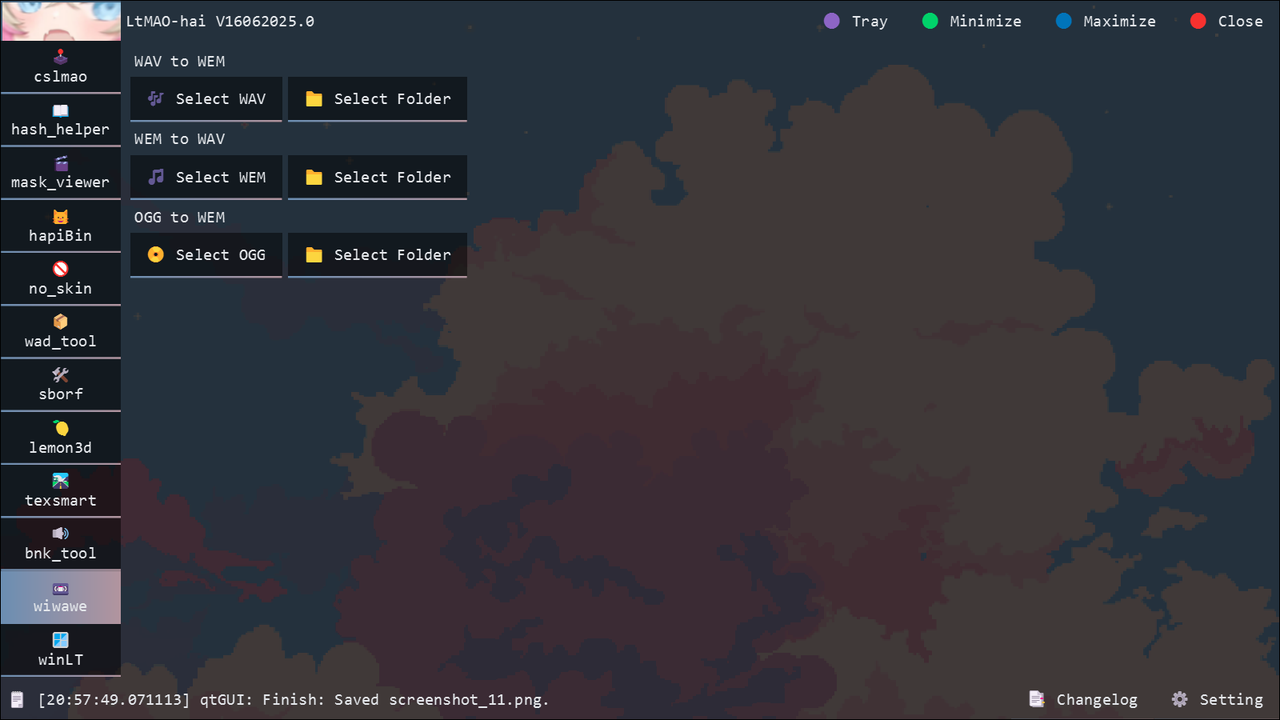
wiwawe
Convert audio files.
winLT
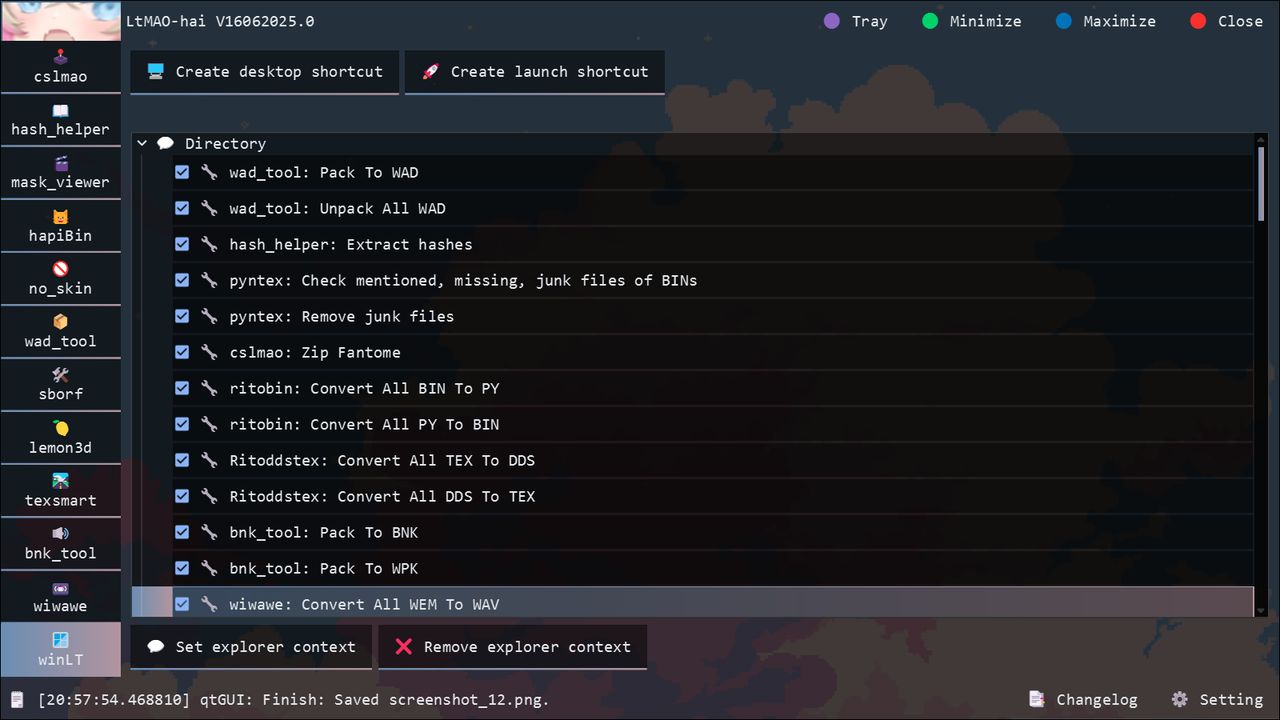
Adds a custom LtMAO context menu to Windows Explorer.

Run LtMAO as Admin through the shortcut. Without admin rights, you will hit
Windows permission errors.